medent +

Streamline payments with a secure, integrated solution.

Why Global Payments Works

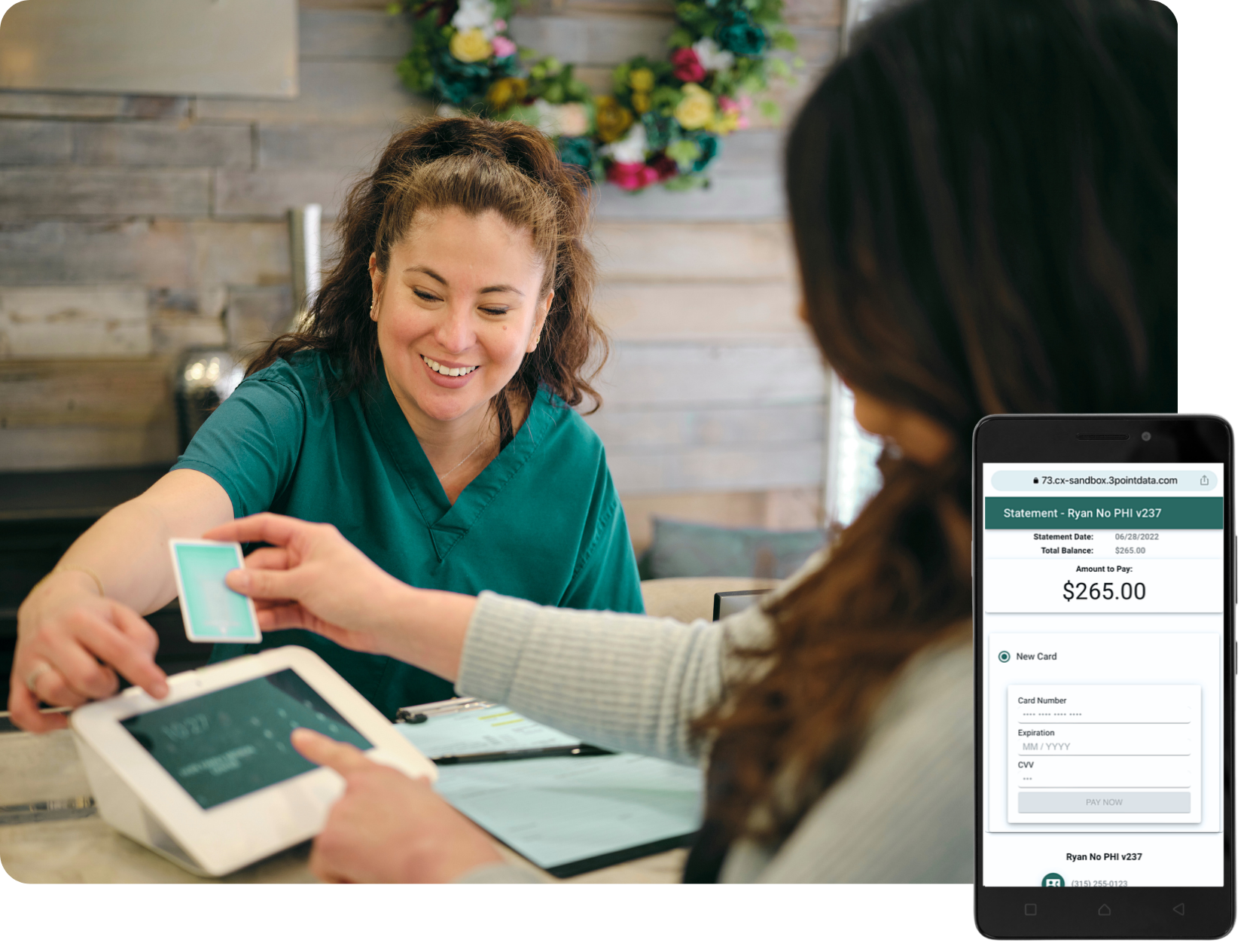
Save valuable time while improving your practice's bottom line by processing with Global Payments.

Simplified Solution

All transactions are fully integrated with your medent software, eliminating double entry, costly errors and reconciliation times.


Innovative Forms of Payment

Accept credit, debit and chip cards, plus contactless and online payments.

Advanced Security

Our secure solutions help prevent fraud and protect your practice with end-to-end encryption and tokenization.
How Global Payments Works

medent and Global Payments Integrated have partnered to provide​ feature-rich payment tools​
that can help boost and give patients the convenience they expect.

eSuperbill Payments

This feature allows the practice to take credit card payments from within an eSuperbill (ESB). The credit card can be swiped on a pin pad device or card information can be manually entered for payments taken over the phone, during a video visit, or when credit card payments are mailed in.

Online Payments through the Practice Website

A guest pay feature is available that allows the patient to pay online from the practice website.

Patient Portal eVisit Payments

If the practice is offering eVisits through the patient portal, payment for the eVisit can be collected prior to the patient receiving the questionnaire.

Card on File

Card information can be saved and used for future payments. The office can save two cards on file.

Online Payments through patient portal

This feature allows patients to make online payments from their patient portal account and is used in conjunction with sending statements to the portal. The patient will also be able to save a card to their account.

Text to Pay

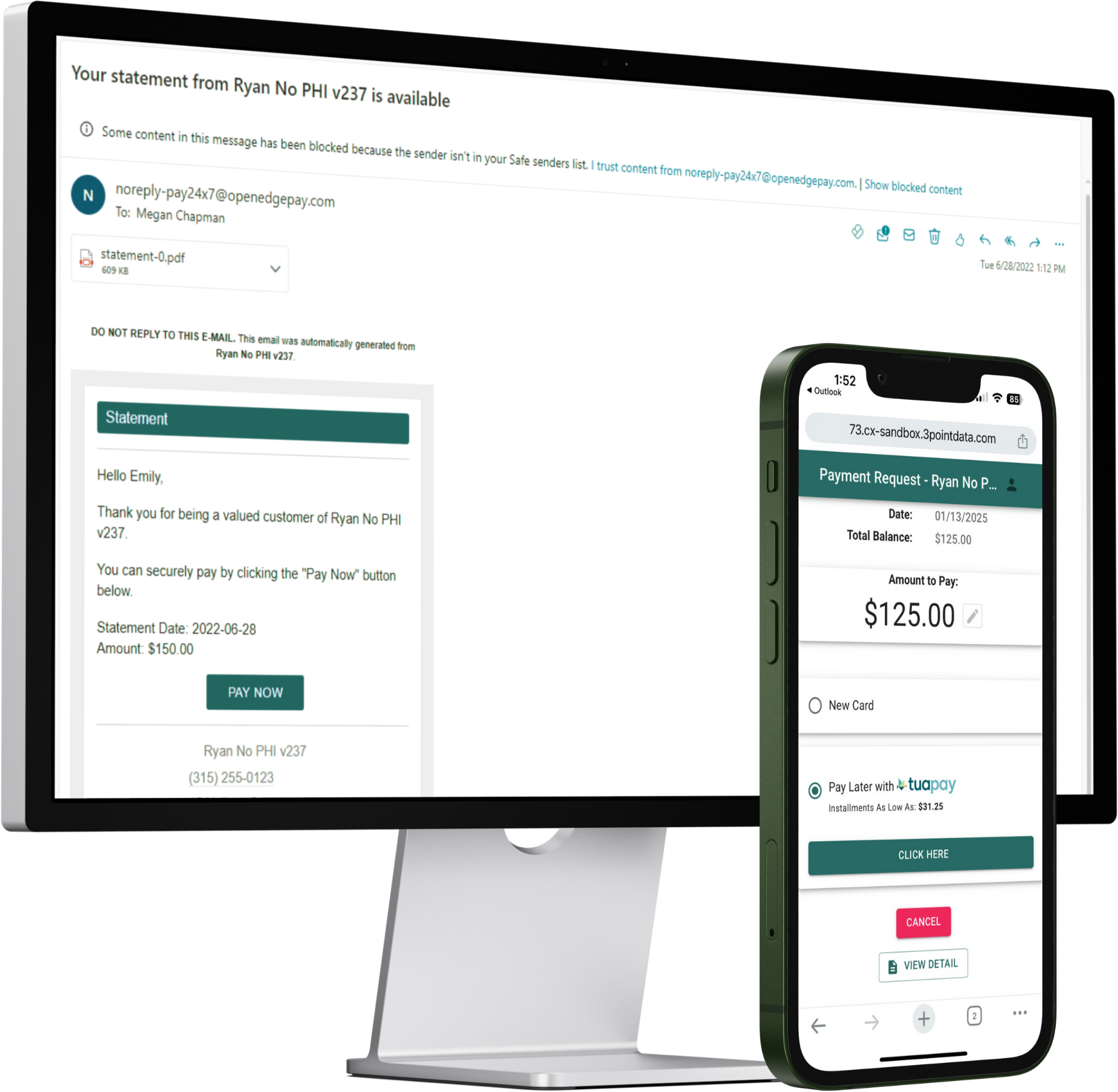
The practice can text or email the patient their statement with a link to pay, either in addition to or in lieu of a paper statement.

Auto Charge Payments

Patients that have provided written consent and have a saved card on file can be auto charged an amount set by the practice. The auto charge feature can be used with payment plans to customize the amount a patient is charged.

Self Check-In Kiosk Payments

The patient can make a credit card payment towards their copay and/or account balance when using the Kiosk to check themselves in.

DelayPay

This is an optional feature available with Text to Pay through a partnership with Global Payments Integrated and TuaPay. It is a consumer facing solution that pays the practice up front while allowing the patient to pay over time by choosing a payment plan through TuaPay.

Interested in Global Payments?